RK Supreme Login: How to Access Your Account Safely
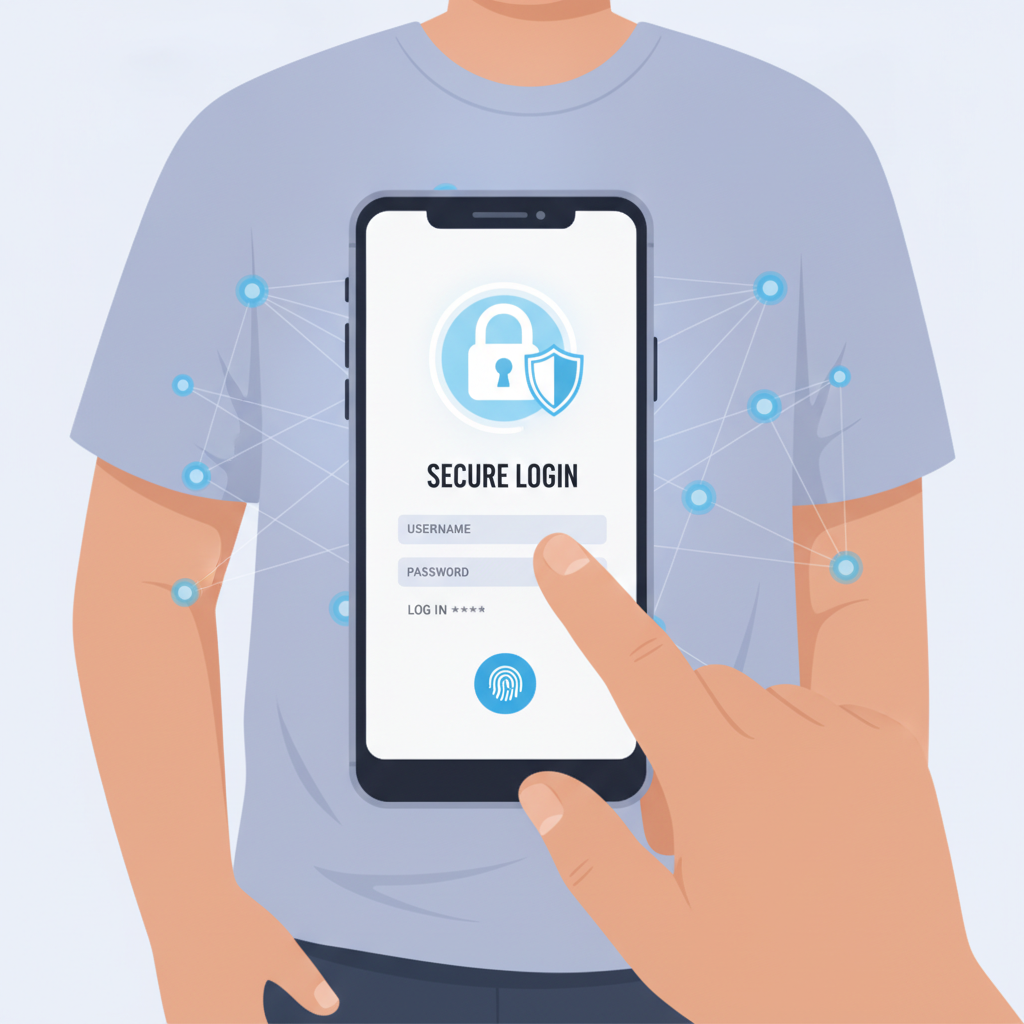
Where to Find the RK Supreme Login Page on Mobile and Desktop
After you complete RK Supreme register, accessing your account is the next step. The RK Supreme login page is easy to locate whether you're using a phone or a computer.
On mobile browsers (Chrome, Safari, or any Android browser), open your browser and type the RK Supreme web address into the URL bar. The homepage loads with a Log In button in the top-right corner of the screen. Tap it to open the login form. If you've visited the site before, your browser may autofill the address—just make sure you're landing on the legitimate domain and not a copycat site.
On desktop, the experience is similar. Open your preferred browser, navigate to the RK Supreme website, and look for the Log In link at the top right of the homepage. Click it to bring up the login window. Some players prefer desktop for sports betting because larger screens make it easier to compare odds across multiple games, but most Filipino users access RK Supreme from a mobile device.
If you previously bookmarked the site or added it to your home screen on Android, tapping that shortcut takes you directly to the homepage where the login button is always visible. Just verify the URL before entering any credentials—phishing sites often use similar-looking addresses to trick players.
RK Supreme does not require a separate app download for login. The mobile browser experience works smoothly on most Android phones, and the login page adapts to smaller screens automatically.
Entering Your Username and Password Correctly
Once you tap or click the RK Supreme login button, a simple form appears asking for two pieces of information: your username (or registered mobile number or email, depending on what you chose during sign-up) and your password.
Username field: Type exactly what you used when you completed RK Supreme register. If you signed up with a mobile number, enter it in the same format—include the country code if the registration form required it. If you used an email address, double-check for typos. Usernames are case-sensitive on some platforms, so if you registered as "JuanCruz21," typing "juancruz21" might not work.
Password field: Passwords are almost always case-sensitive. If your password includes capital letters, numbers, or symbols, enter them exactly as you created them. A common mistake is having Caps Lock turned on without realizing it, especially on mobile keyboards. If login fails, check your keyboard's shift or caps status before trying again.
After filling in both fields, tap or click the Log In or Sign In button. If your credentials are correct and your account is in good standing, you'll be taken to your account dashboard where you can make deposits, place bets, or browse slots and live dealer tables.
Tip for mobile users: If your Android phone offers fingerprint or face unlock for autofill passwords, you can allow your browser to save your RK Supreme login credentials. This speeds up future logins but should only be enabled if you're the only person who uses your phone and you keep it locked with a PIN or biometric security.
What to Do If You Forget Your Password
Forgetting a password happens to everyone. RK Supreme provides a standard password-reset process that works directly from the login page.
Step 1: On the RK Supreme login form, look for a link that says Forgot Password? or Reset Password. It's usually placed just below the password field or next to the Log In button. Tap or click it.
Step 2: You'll be redirected to a password-recovery page. Enter the email address or mobile number you used during RK Supreme register. Make sure it's the same contact information tied to your account.
Step 3: RK Supreme will send a password-reset link to your email or an OTP (one-time password) to your mobile number. Check your inbox or messages within a few minutes. If you don't see anything, check your spam or junk folder (for email) or confirm that your phone has signal (for SMS).
Step 4: Follow the instructions in the message. If it's an email, click the reset link and you'll be taken to a page where you can create a new password. If it's an SMS OTP, enter the code on the recovery page, then set your new password.
Step 5: Choose a strong password that's different from your old one. Use a mix of upper- and lowercase letters, numbers, and symbols if allowed. Avoid easily guessed passwords like "password123" or your birthdate.
Once your new password is set, return to the RK Supreme login page and sign in with your updated credentials. If you continue to have trouble, contact RK Supreme customer support through live chat or the help section on their site. Have your registered mobile number or email ready to verify your identity.
Login Security Tips: Two-Factor Authentication and Avoiding Phishing
Keeping your RK Supreme account secure starts with how you handle your RK Supreme login credentials. Filipino players often use public Wi-Fi or shared devices, which can increase the risk of unauthorized access if you're not careful.
Use Two-Factor Authentication (2FA) If Available
Two-factor authentication adds an extra layer of security beyond your password. When 2FA is enabled, logging in requires both something you know (your password) and something you have (a code sent to your phone).
Check your RK Supreme account settings to see if two-factor authentication is offered. If it is, turn it on. Each time you log in from a new device or browser, you'll receive an OTP via SMS or email. Enter that code to complete the login. Even if someone steals or guesses your password, they won't be able to access your account without the second code.
Not all platforms enable 2FA by default, so take a moment to explore the security or account-settings menu after your first RK Supreme login.
Recognize and Avoid Phishing Sites
Phishing scams are common in online betting. Fraudsters create fake websites that look almost identical to the real RK Supreme login page, hoping you'll enter your username and password. Once you do, they steal your credentials and access your real account.
How to spot phishing:
- Check the URL carefully. The legitimate RK Supreme site has a specific web address. Phishing sites use similar names with small misspellings or extra characters (like "rk-supreme-ph.com" instead of the real domain).
- Look for HTTPS. A secure site displays a padlock icon in the browser's address bar and starts with "https://". Never enter login details on a site that shows "Not Secure."
- Avoid clicking links in unsolicited messages. If you receive an email or text claiming to be from RK Supreme and asking you to log in urgently, don't click the link. Open your browser manually and type the RK Supreme address yourself.
- Bookmark the real login page. After your first successful RK Supreme login, save the URL as a bookmark or add it to your Android home screen. Use that shortcut every time instead of searching on Google, where ads and fake results can appear.
Other Security Best Practices
- Never share your password. RK Supreme support will never ask for your password in chat or email.
- Use a unique password. Don't reuse the same password you use for GCash, Maya, email, or social media. If one account is compromised, all your accounts are at risk.
- Log out on shared devices. If you log in on a friend's phone or a computer at an internet café, always log out when you're done and clear the browser's autofill cache if possible.
- Monitor your account activity. Check your transaction history and betting records regularly. If you see bets or withdrawals you didn't make, change your password immediately and contact support.
Important Reminders: 21+ Only and Responsible Gambling
RK Supreme is open only to players 21 years of age and older. When you complete RK Supreme register and every time you log in, remember that online betting is for adults who can make informed decisions about risk and entertainment spending.
Play responsibly:
- Set a budget before you deposit and stick to it. Typical deposits for Filipino players range from PHP 100 to PHP 500—only wager what you can afford to lose.
- Take breaks. Logging in every day is fine, but if betting starts to feel stressful or you're chasing losses, step back.
- Use account limits if RK Supreme offers them. Some platforms let you set daily or weekly deposit caps to help control spending.
- Know when to stop. If you feel that gambling is affecting your finances, relationships, or mental health, seek support from organizations that help with responsible gambling.
RK Supreme login is designed to be quick and straightforward, but account security and self-awareness are just as important as knowing where the login button is. By following the steps in this guide—finding the correct login page, entering credentials carefully, using password recovery when needed, and protecting your account from phishing—you can access your RK Supreme account safely every time.
This is an independent guide. RK Supreme is a third-party platform, and this site does not guarantee winnings, promote risk-free play, or make claims about payout rates or licensing status. Always verify any terms or conditions directly with RK Supreme before placing real-money bets.